
From upload to final report, in seven steps.
The same path works for permits, licenses, tenders and filings. Your team adjusts the rules on its own.
- 1.0
The citizen gets an upload link
The department creates the link, at the counter or online. The citizen receives it by SMS, email or WhatsApp — no sign-up, no password.
- 2.0
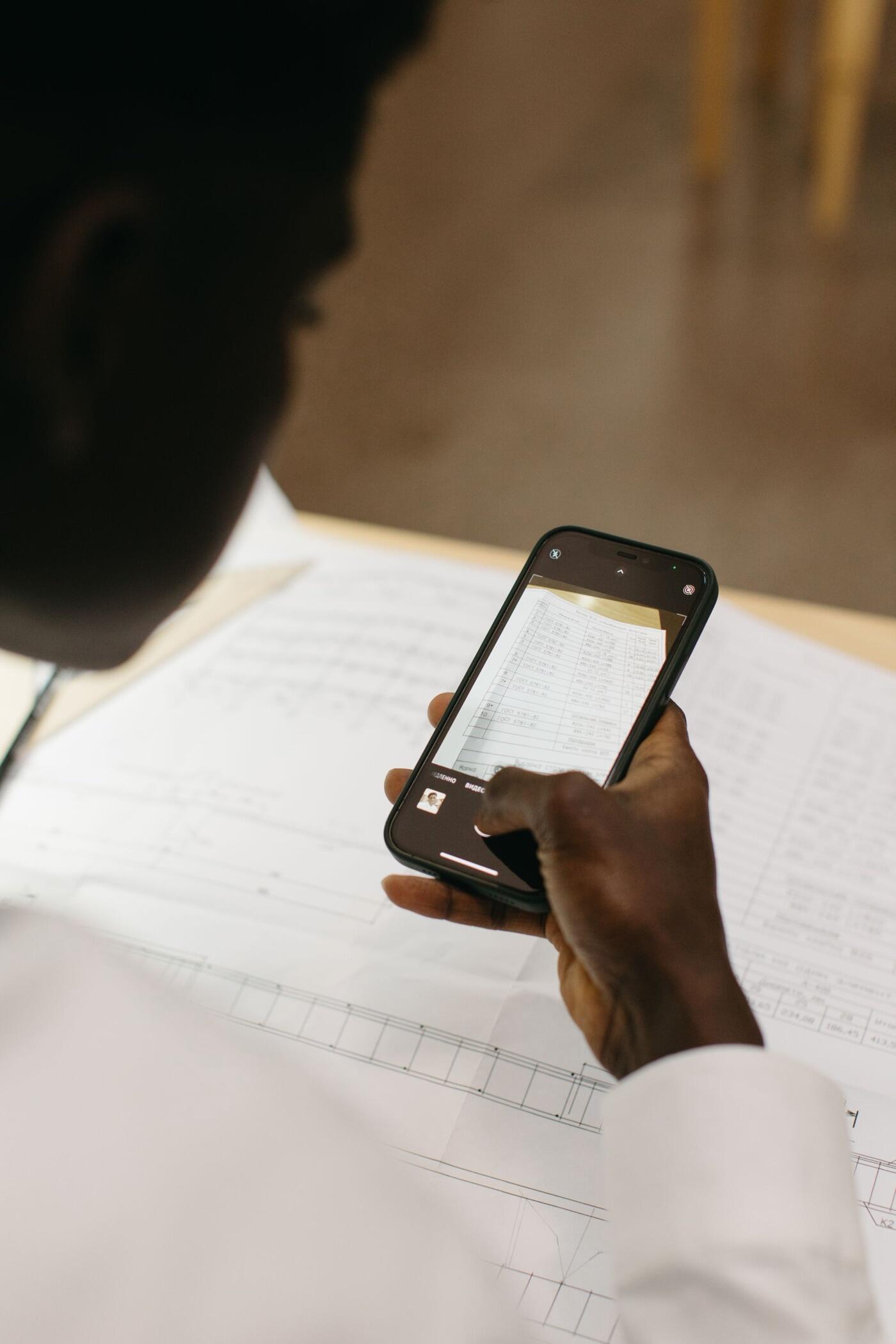
They send documents from their phone
The citizen snaps a photo or attaches files through the link. Acta says right away if an image is poor.
- 3.0
Acta reads the documents
It reads the text, even from a phone photo. It spots people, companies and properties, and recognizes those already on file.
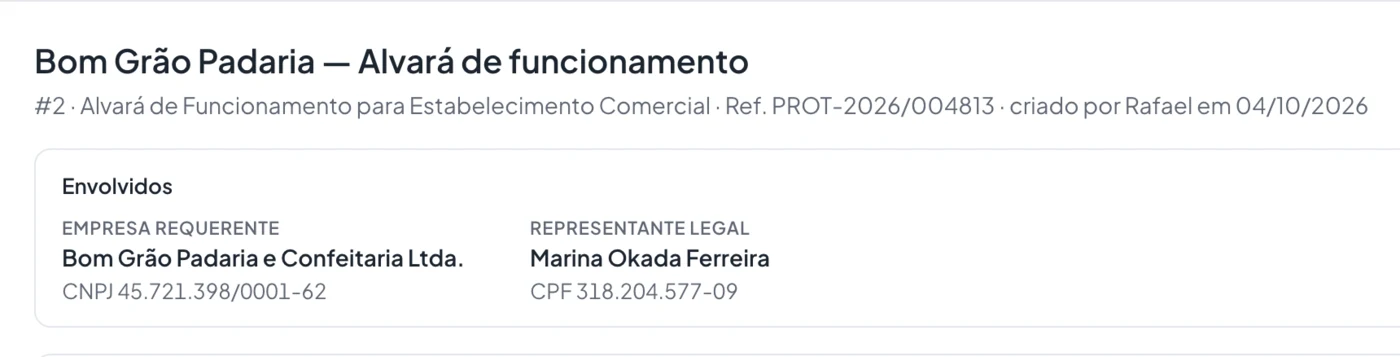
Real Acta screen, with fictitious data. - 4.0
Acta checks each document
It checks that it is the right document, complete, legible and still valid. Every check shows how sure Acta is.
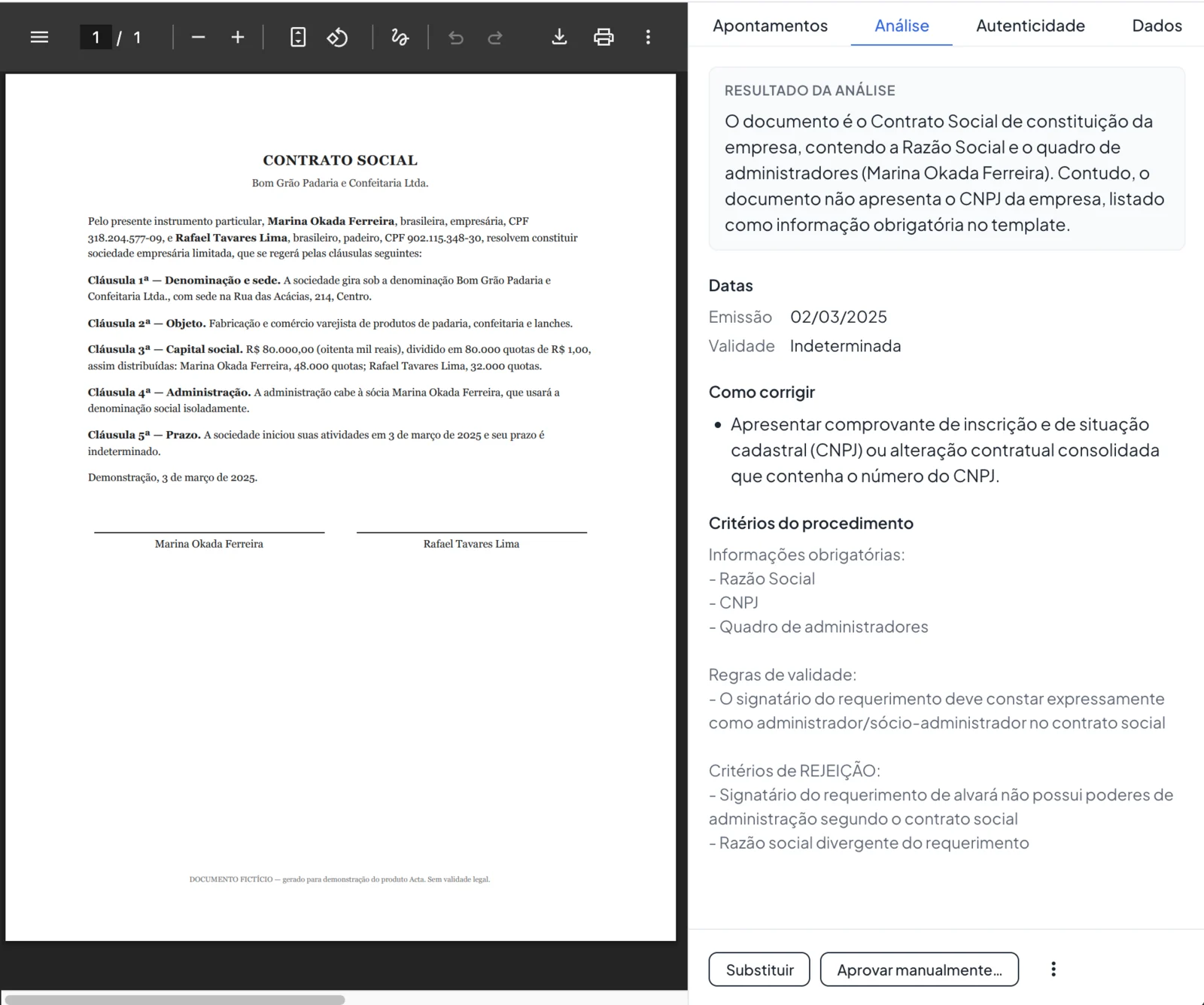
Real Acta screen, with fictitious data. - 5.0
Your department’s rules are applied
Each rule has its own severity and legal basis. Your team adjusts the rules on its own, without calling IT.
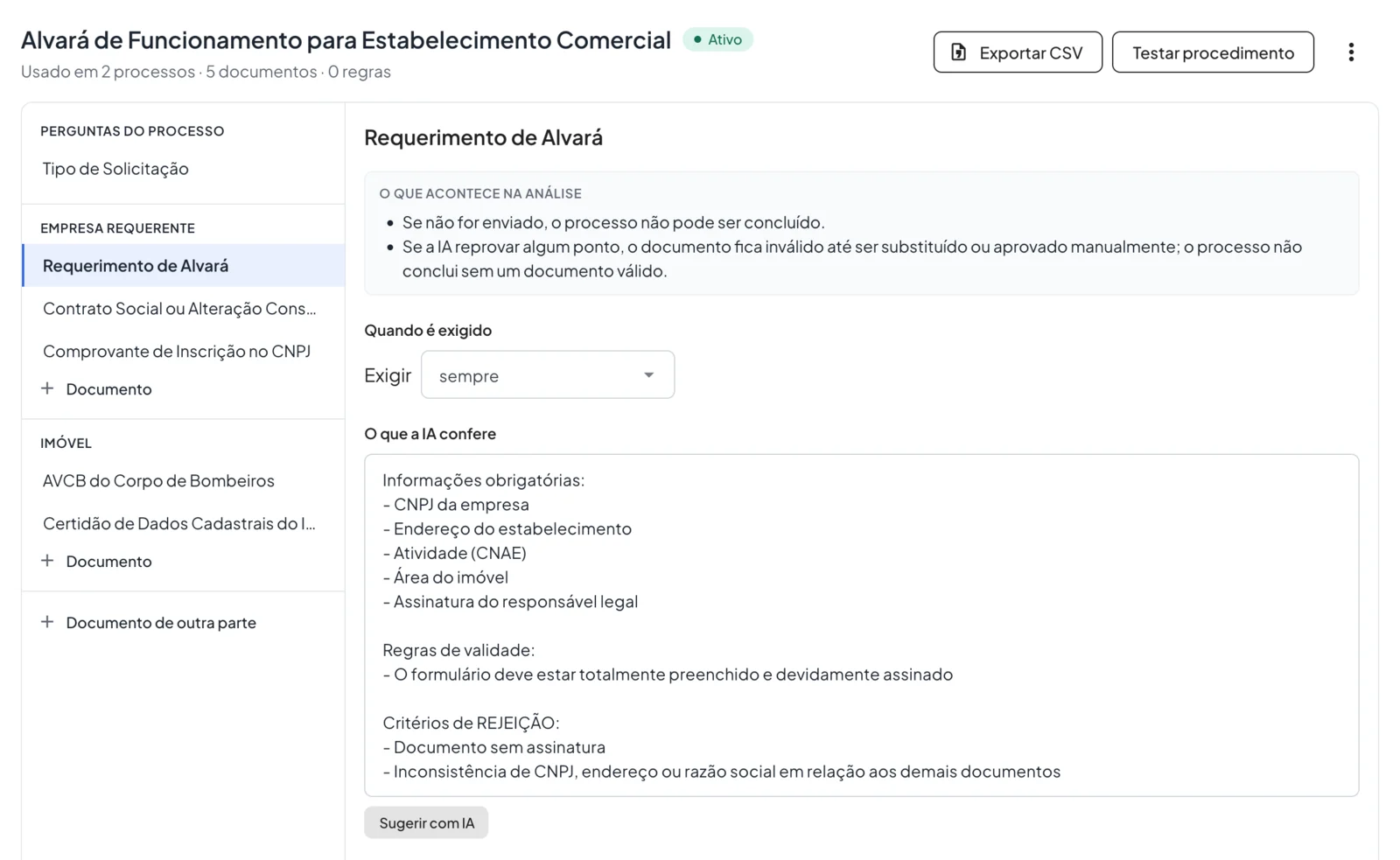
Real Acta screen, with fictitious data. - 6.0
The staff member reviews and decides
They get the analysis ready, with a list of what is missing. They approve or reject with a reason — the decision is always theirs.

- 7.0
The report comes ready, with a history
Acta produces the report with a summary, checks and people involved. The full history shows who did what, and when.
It also checks that the document is genuine.
- TJSC digital seal
- Checks that the seal from the Santa Catarina Court of Justice is valid.
- ICP-Brasil digital signature
- Checks that the certificate and signature are valid.
- Signatures in digital files
- Recognizes signatures inside the file and shows how sure Acta is.